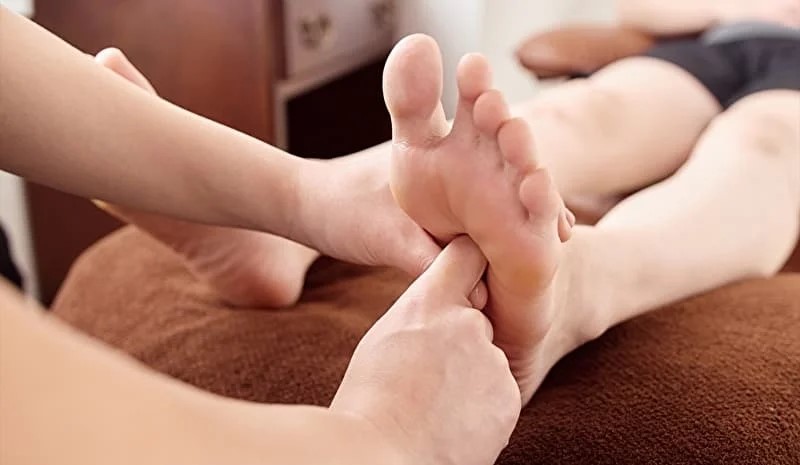
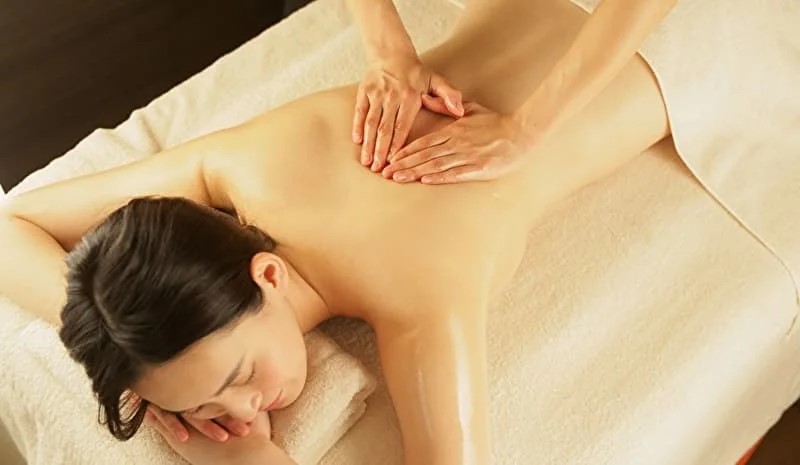
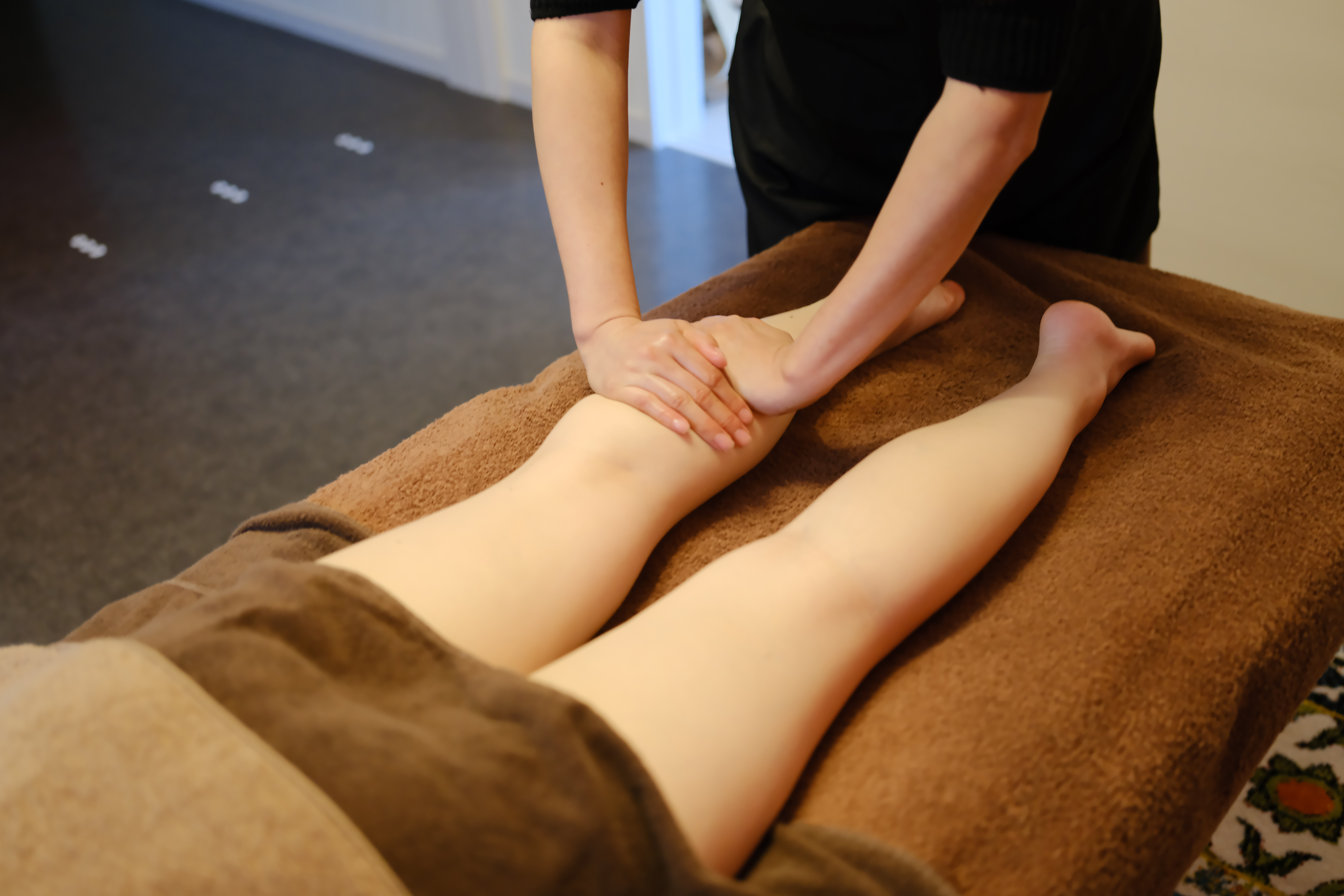
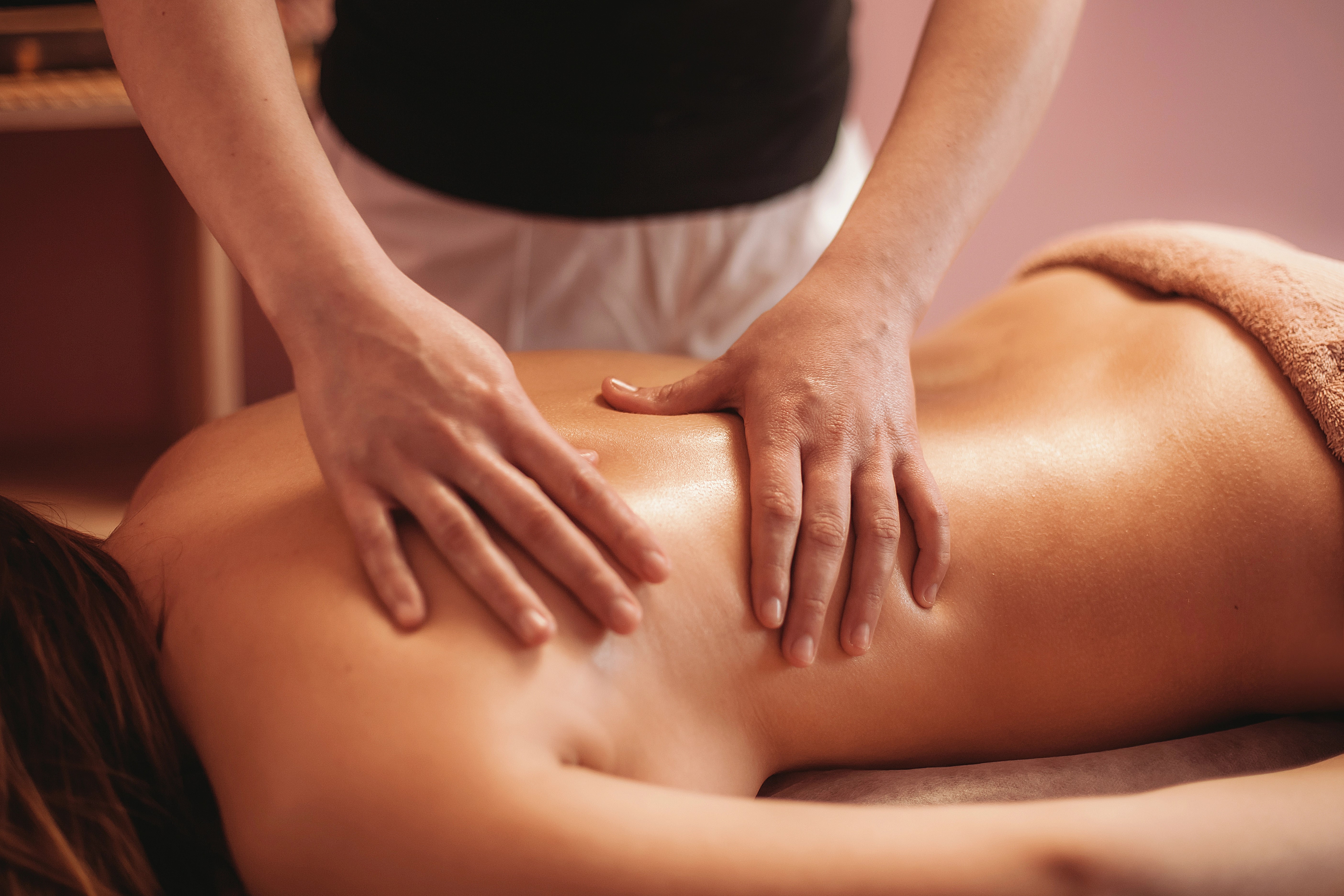
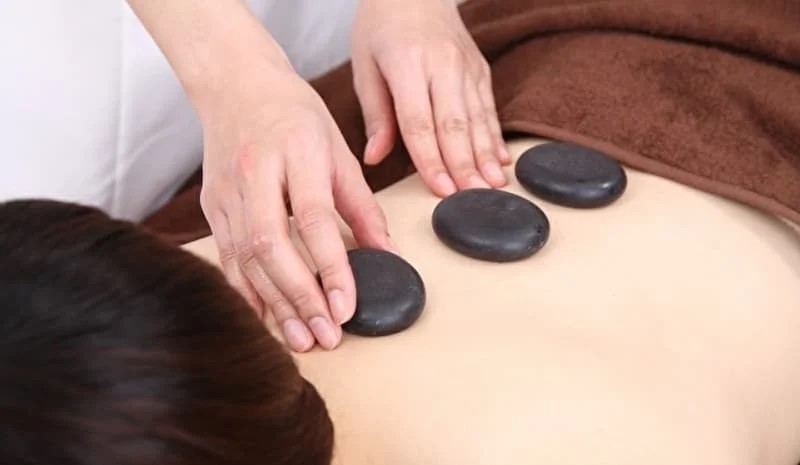
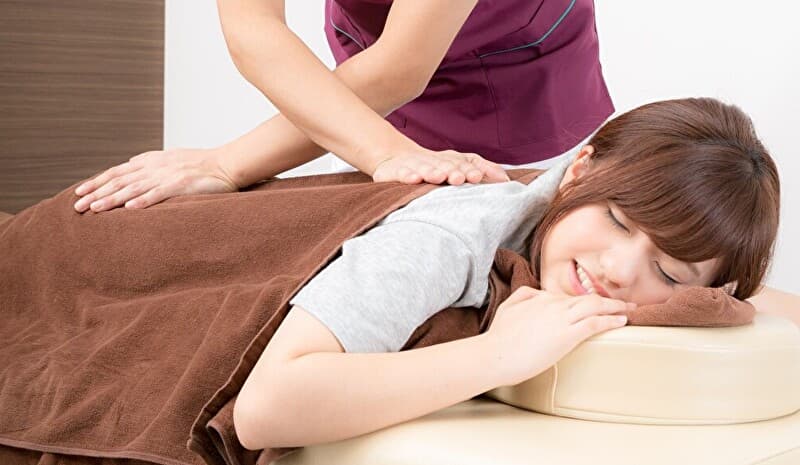
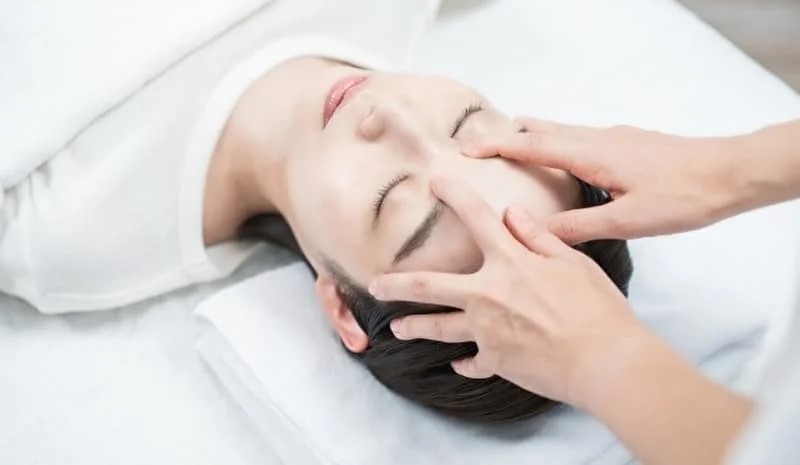
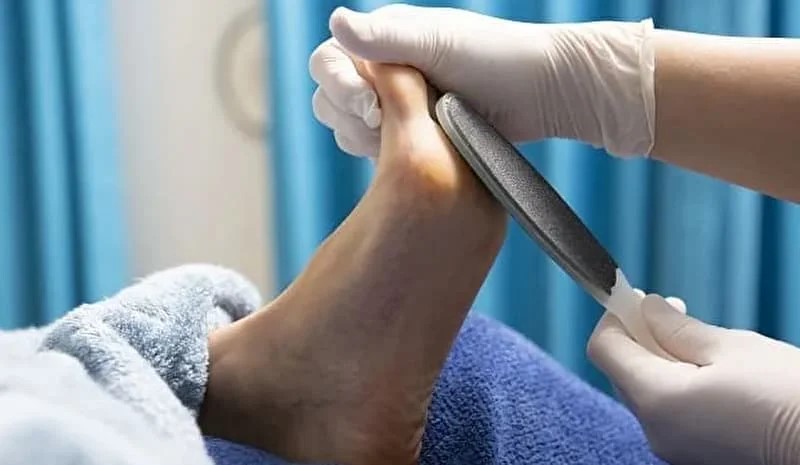
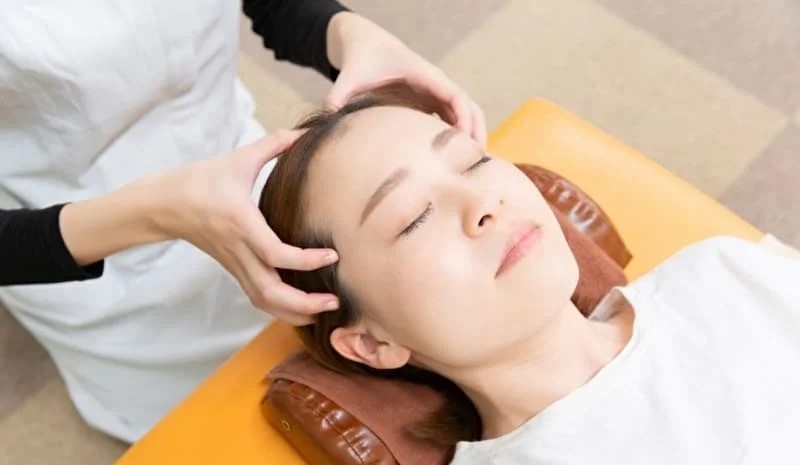
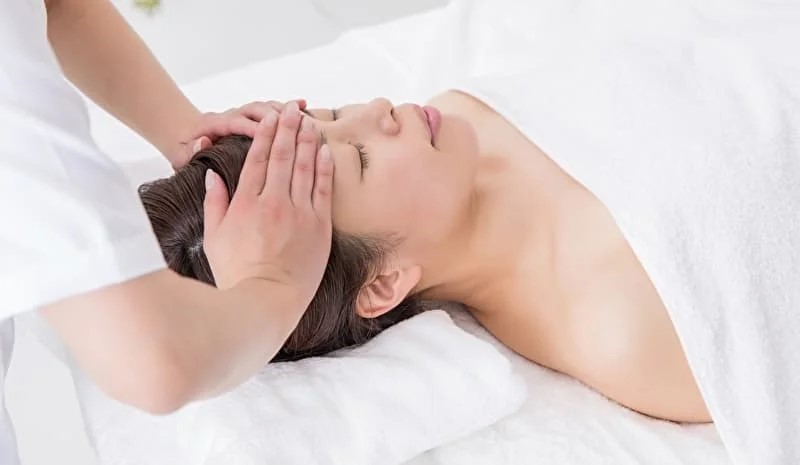
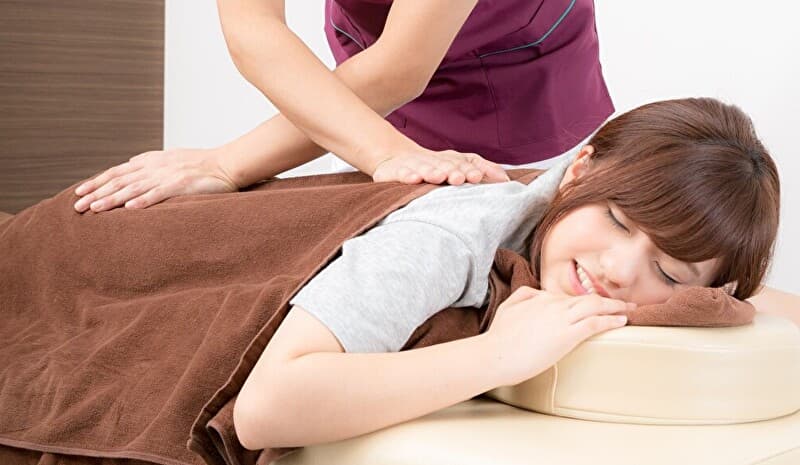
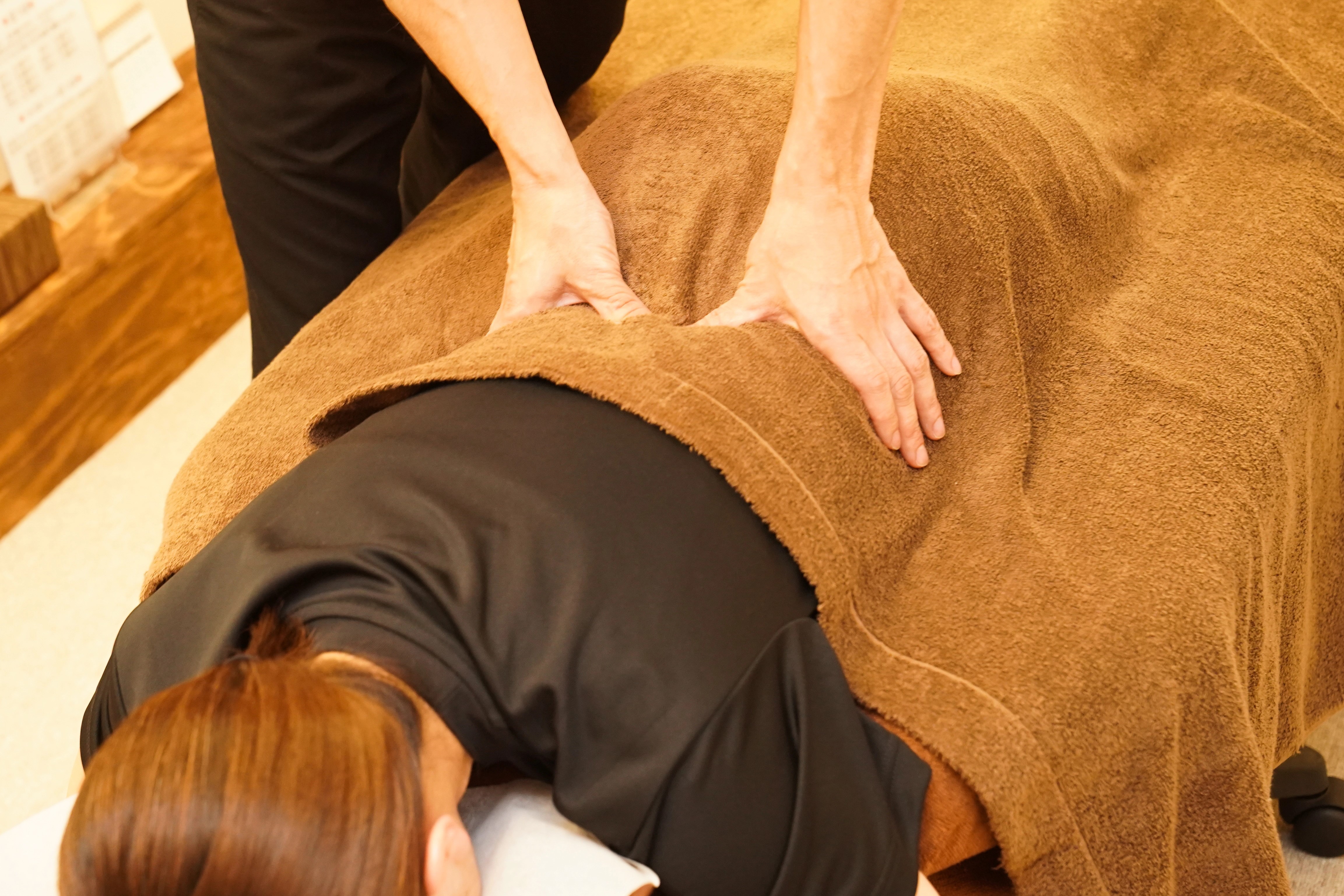
全身もみほぐしコース Full-Body Massage
※同時に別のコースを組み合わせて予約したい場合は、
1つ目でカレンダーで時間指定して「この日時を追加」をタップしたら、上へ戻って別のコースを選択してください。
最後のコースで「この日時を追加」はさわらずに「次へ」をタップしてください。(3つまで可能)
空き時間の関係上、お望みのコース追加できない場合もあります。ご了承ください。
※同時に2人の施術のご予約は、上部の「お問合わせ」からか、電話でのみ受け付けしております。
(最低、2時間前にお問合わせ願います。)
※当日のキャンセルは、業務に支障が生じるため、やむを得ない事情がある以外はなるべくしないようにお願いします。(1時間前まで可能)
※無断でのキャンセルは、その後の予約ができません。ご注意ください。
※月曜日と火曜日(担当:下川)は、電話予約、もしくは別のEPARK👇で受け付けています。
https://www.peakmanager.com/online/index/l7c4c8
・ー・ー・ー・ー・ー・ー・ー・ー・ー・ー・ー・ー・ー・ー・ー・ー・
After selecting a menu item and entering the date and time, tap the yellow button at the bottom. (Do not tap the yellow button that appears in the center of the next screen.) Enter your “Name,” “Phone Number,” and “Email Address,” then tap the yellow button twice to complete the process.
To return to the previous screen, tap the yellow ↑ button on the far right.
To cancel, tap the beige “Cancel” button and start over from the beginning.
*If you’d like to book multiple sessions at once, select a date and time on the calendar and tap the beige “Add This Date and Time” button. Return to the top of the screen, select another session, and add the date and time. Finally, tap the yellow button (not the beige button) to proceed to the next step. You can book up to three sessions.
Same-day cancellations disrupt the salon’s operations, so please refrain from doing so unless absolutely necessary. (We accept cancellations up to one hour before your appointment time.)
If you’d like to book treatments for two people at the same time, please use the “Contact Us” link in the upper corner to let us know your desired date, time, and treatment details. (Please contact us at least two hours in advance. Please note that if you book for two people without prior notice, your reservation may be canceled.)
For more details, please see below:
https://bookmassagejapan.com/blogs/massage/massage-studio-nara-station-recommended-massage-near-nara-station-with-luggage-storage